Free download · Any event
Free Seating Chart Planner
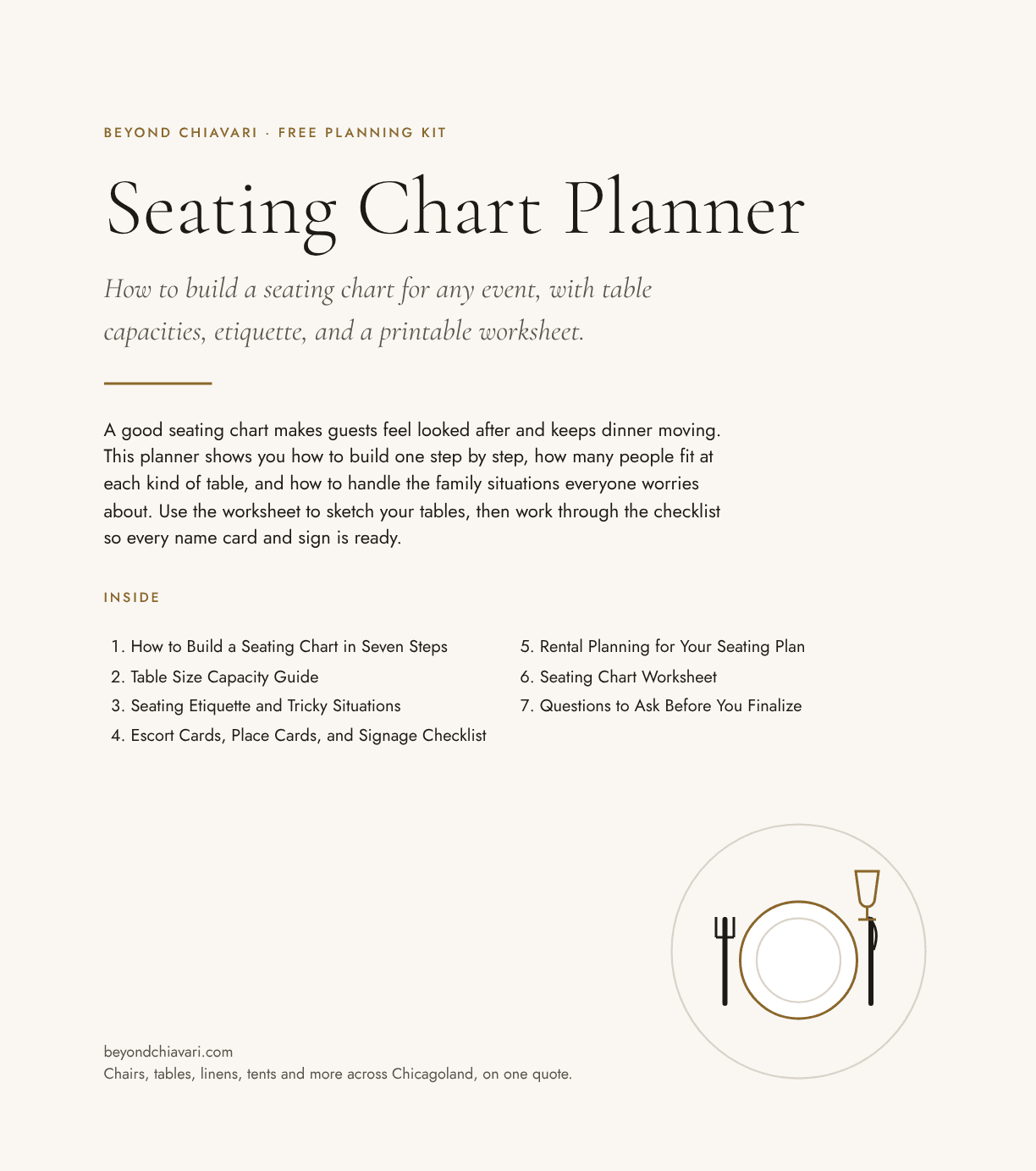
A good seating chart makes guests feel looked after and keeps dinner moving. This planner shows you how to build one step by step, how many people fit at each kind of table, and how to handle the family situations everyone worries about. Use the worksheet to sketch your tables, then work through the checklist so every name card and sign is ready.
What's inside
Everything in the kit
- How to Build a Seating Chart in Seven Steps
- Table Size Capacity Guide
- Seating Etiquette and Tricky Situations
- Escort Cards, Place Cards, and Signage Checklist
- Rental Planning for Your Seating Plan
- Seating Chart Worksheet
- Questions to Ask Before You Finalize
- Spreadsheet: assign a table number and open seats update instantly
Files you get
- PDFSeating Chart Planner (PDF)Printable kit with timeline, checklists, tables and a fill-in worksheet
- ExcelSeating Chart Spreadsheet (Excel)40 tables, 500 guests, live open-seat counts and over-full warnings
- CSVSeating Guest List (CSV)Plain columns for seating apps
Read next
Guides that go with this download
- 20x40 Tent Seating Capacity and Layout: How Many Fit?How many guests fit in a 20x40 tent for dinner, cocktails or theater seating, with a floor plan, table counts and tips for a small Chicago-area backyard party.
- Anniversary Party Rentals and Layout: 25th, 50th and Vow RenewalsWhat to rent and how to lay out an anniversary party, from a 25th dinner to a 50th with family, with a head table plan and counts for 40 to 120 guests.
- Banquet Table Sizes: 6 ft vs 8 ft Seating, Linens and LayoutCompare 6 ft and 8 ft banquet tables: size, seats, cloth size, and when to choose each. Includes a top-down diagram and a seating chart.
- Buffet Line Layout: How to Serve 100 Guests FastHow to lay out a buffet line so 100 guests are served in 30 minutes. Single, double-sided and island layouts, order of foods and table math.
- Buffet Table Layouts: Straight, Island and Double-Sided SetupsCompare buffet layouts, how much table length you need per guest count, how long lines take, and where to place plates, food and napkins.
- Celebration of Life Reception: Seating, Tables and Rentals Done GentlyPlan a celebration of life or memorial reception with comfortable seating, a memory display, a quiet area and food service. Counts for 30 to 150 guests.
- Chair Weight Capacity and Seat Sizes for Event Rentals ExplainedWhat chair weight capacity means for rental chairs, how to ask for it, typical seat sizes, and how to plan comfortable seating for every guest in Chicago.
- Cocktail Highboy vs Lowboy Tables: Heights, Sizes and UsesHighboy cocktail tables are about 42 inches tall, lowboys sit near dining height. Compare sizes, linens and when to use each at a Chicago event.
- Frame Tent vs Pole Tent: Which One Fits Your Chicago Event?Compare frame tents and pole tents on stakes, center poles, hard surfaces, cost drivers and looks, so you can choose the right one for your yard or venue.
Questions
About the Seating Chart Planner
How many people fit at a round table?
A 60 inch round seats 8 comfortably and 10 tightly. A 72 inch round seats 10 to 12, and a 48 inch round seats 6. The planner has a full capacity table, including banquet and farm tables.
When should I make the seating chart?
Start a draft when RSVPs open and finish within a few days of the RSVP deadline, usually 2 to 3 weeks before the event, so escort cards and the floor plan can be printed.
Is the seating chart planner really free?
Yes. Enter your email and the download links appear right away, with no account needed. You can unsubscribe from planning emails at any time.
Will the spreadsheets work in Google Sheets or Numbers?
Yes. The Excel files open in Microsoft Excel, Google Sheets (File, then Import) and Apple Numbers, and the formulas keep working. CSV versions are there for any tool that prefers plain columns.
Can I share it with my partner, family or committee?
Yes. Print it, forward it or upload it to a shared drive. It is free for personal and nonprofit planning use.
More free downloads